Organize Pages

Reorder, rotate, duplicate, delete, extract, or insert PDF pages.

PDFSimple & FastUp to 20 files100% Private
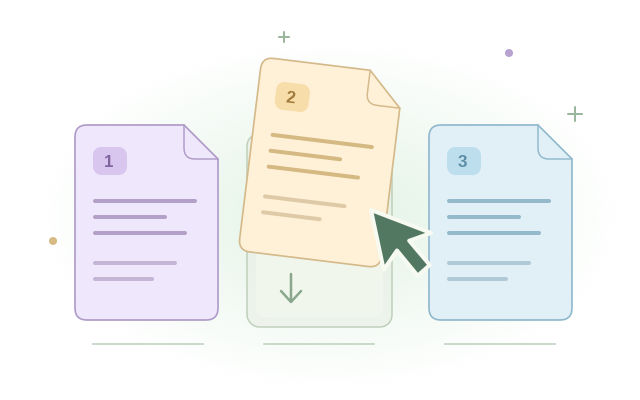
Drop your PDFs here

or click to browse from your device

Preparing Organize Pages. File selection will be available shortly.PDFUp to 20 files100 MB totalUp to 500 pages · 100 MB total. Files stay on your device.
A LITTLE HELP, WHEN YOU NEED IT

How to use Organize Pages

Rearrange a document at page level. You can rotate, duplicate, delete, extract, or insert pages without opening a separate editor.

  1. Choose one or more PDFs to populate the page grid.

  2. Drag pages to reorder them, or select pages and use the toolbar. Undo is available for recent changes.

  3. Use Download PDF in the toolbar to save the current arrangement.

Extract versus delete

Extract creates an output from selected pages. Delete removes pages from the current arrangement. Check which operation you intend before exporting.

Duplicates are intentional copies

Duplicating a page adds another copy to the arrangement. Watch the total page count so that a repeated title page or blank separator does not go unnoticed.

Before you save

Up to 20 source PDFs and 500 pages are supported within the total file limit. Extract saves selected pages. Rearrangement may change bookmarks, interactive forms, accessibility information, and digital signatures.

Common questions

Can I insert pages from another PDF?

Yes. Add the additional PDF and arrange its pages alongside the current pages, within the displayed file and page limits.

Will my original file be overwritten?

No. The arrangement exists in browser memory until you download it. Refreshing the page discards that working arrangement.

THE FULL GUIDEPrepare a PDF for sharing, in the right order

Where processing happens

Your documents are processed in this browser. The site downloads the resources needed to run the tools, but your selected files are not uploaded for processing. Keep your original and save the result before leaving the workspace. Privacy policy · Report an issue

Unlock this PDF

Enter its password to continue in this tool. Your file and password stay on your device.