Add Page Numbers

Add page numbers with a chosen format, range, and position.

PDFSimple & FastOne file100% Private
Drop your PDF here

or click to browse from your device

Preparing Add Page Numbers. File selection will be available shortly.PDFOne file50 MB per fileUp to 100 pages. Files stay on your device.
A LITTLE HELP, WHEN YOU NEED IT

How to use Add Page Numbers

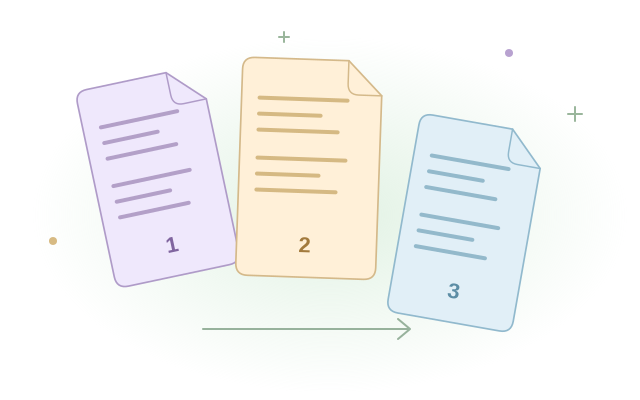
Add page numbering with a chosen starting number, format, and position. This is useful after assembling a report or rearranging pages.

  1. Choose the PDF and decide which pages should be numbered.

  2. Set the starting number, format, font size, and margins.

  3. Review the placement and download the numbered document.

Displayed numbers and PDF positions differ

Starting at 1 does not change which PDF page is first. Use the range to choose where numbering appears and the starting value to choose what the first label says.

Leave room for existing footers

Choose a position and margin that avoid dates, notes, page borders and other footer content. Check both portrait and landscape pages if the document mixes them.

Before you save

Printed page numbers and the PDF viewer’s page labels are different things. Preview the placement on pages with different sizes or orientations. Avoid margins that overlap existing headers or footers.

Common questions

Will this replace numbers already printed on the page?

No. It adds new text. Existing page numbers remain unless you modify the original page content separately.

Should I number before merging?

For a single continuous sequence, merge and organize first, then add numbers to the finished arrangement.

THE FULL GUIDEPrepare a PDF for sharing, in the right order

Where processing happens

Your documents are processed in this browser. The site downloads the resources needed to run the tools, but your selected files are not uploaded for processing. Keep your original and save the result before leaving the workspace. Privacy policy · Report an issue

Unlock this PDF

Enter its password to continue in this tool. Your file and password stay on your device.