PDF to images

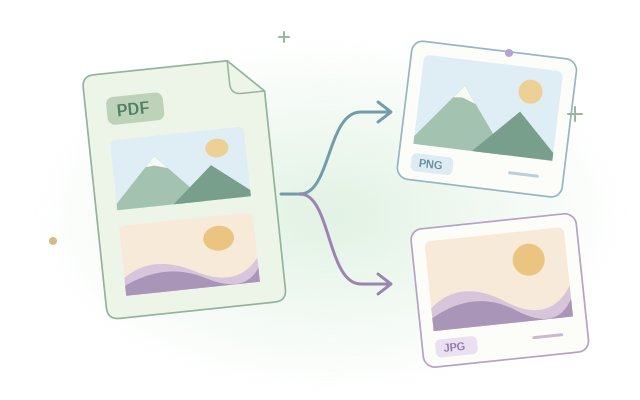
Export selected PDF pages as PNG or JPG images.

PDFSimple & FastOne file100% Private
Drop your PDF here

or click to browse from your device

Preparing PDF to images. File selection will be available shortly.PDFOne file50 MB per fileExport up to 100 pages. Files stay on your device.
A LITTLE HELP, WHEN YOU NEED IT

How to use PDF to images

Export PDF pages as image files for presentations, previews, or workflows that cannot accept a PDF.

  1. Choose a PDF and select the pages you need.

  2. Set the image format and resolution.

  3. Export the images and unpack the archive if multiple files are provided.

Resolution and file size move together

A higher output resolution uses more memory and usually creates a larger image. Increase it only when the intended display or print size needs the extra detail.

Images do not retain PDF features

An exported picture does not contain selectable PDF text, working form controls or clickable PDF links. Keep the source PDF for those features.

Before you save

Export up to 100 pages at a time. Higher resolution takes more processing time and creates larger files. Images do not retain PDF text selection, links, forms, or vector editing.

Common questions

Why did I download a ZIP?

Multiple exported pages are packaged together. Extract the ZIP to access the individual PNG or JPG files.

Can I export a very long document?

Choose up to 100 pages at a time. For a large document, export smaller ranges to reduce browser memory use.

THE FULL GUIDEIs your PDF a scan? Choose the right way to work with its text

Where processing happens

Your documents are processed in this browser. The site downloads the resources needed to run the tools, but your selected files are not uploaded for processing. Keep your original and save the result before leaving the workspace. Privacy policy · Report an issue

Unlock this PDF

Enter its password to continue in this tool. Your file and password stay on your device.